Records every meeting. On your machine.
No bots, no cloud!
Autorec sits in your system tray and notices when you join a Zoom, Teams, Google Meet, or Proton Meet call. It records the meeting and transcribes it on-device. All on your machine. No bot joins the call. Nothing uploads. AI summaries are optional, through a model you choose.
How it works
You launch it once and forget about it.
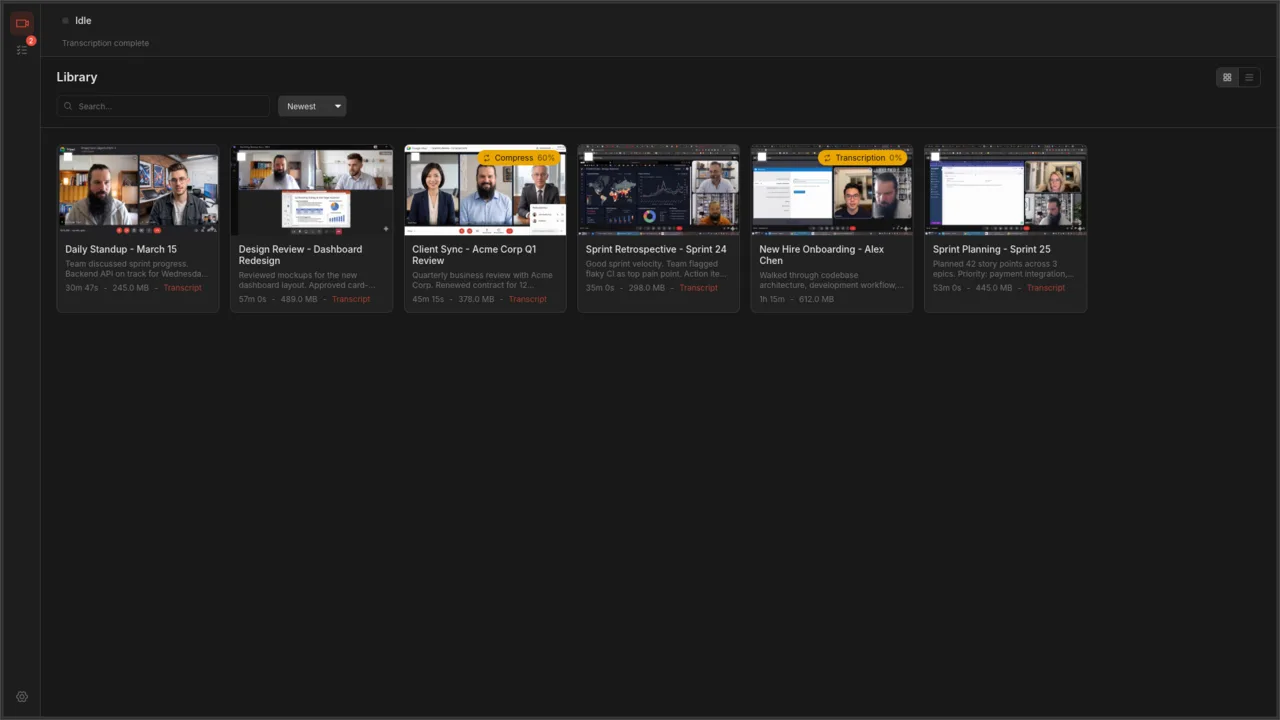
Runs in your system tray
Launch autorec once. It sits in your system tray and stays out of your way.
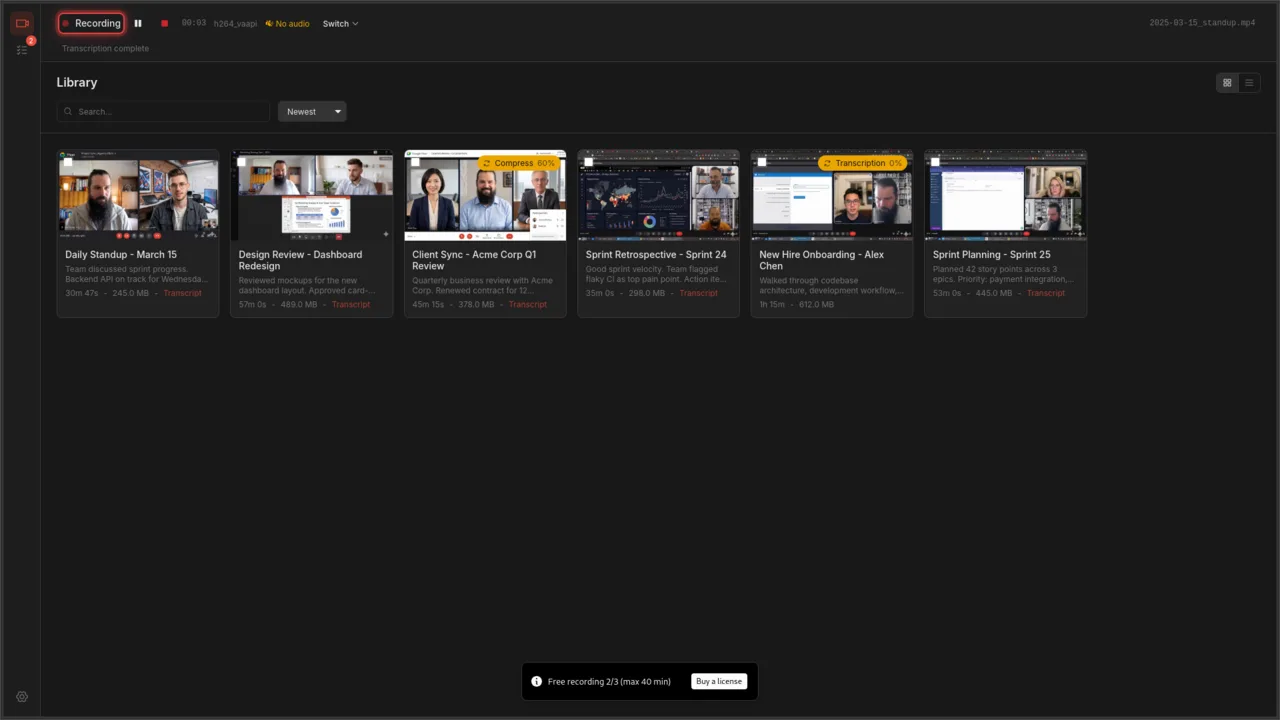
Detects your meeting
When you join a Zoom, Teams, or Google Meet call, autorec notices and starts recording.
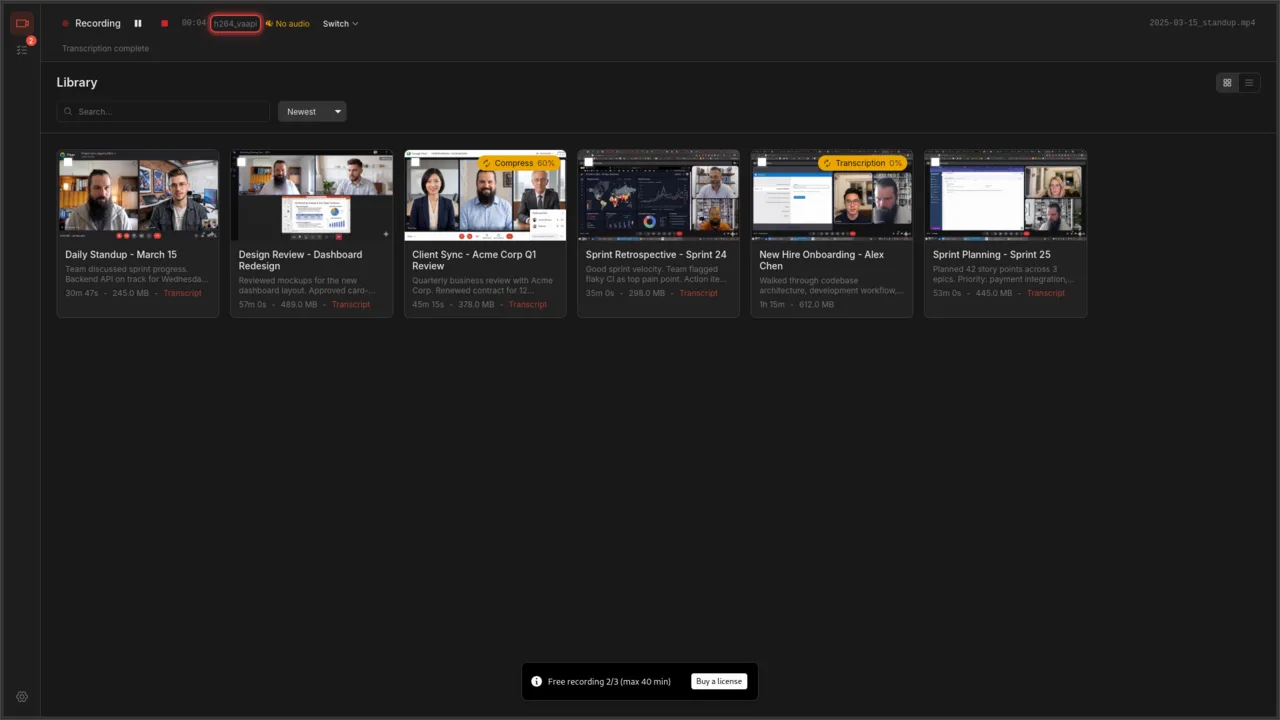
Records and transcribes
The recording, transcript, and optional AI summary all show up in the built-in library when the call ends.
Runs entirely on your machine. No cloud account required.
Watch the demo
The whole loop in under two minutes: a meeting window opens, Autorec records it, and the transcript and summary turn up in your library.
What it does
Autorec is a desktop app that records and transcribes your Zoom, Teams, and Google Meet calls, and can summarize them with an AI model you choose. Recording and transcription run on your own machine. No cloud upload, no telemetry.
Auto-Detection & Recording
Detects Zoom, Teams, Google Meet, Proton Meet, and Jitsi automatically, and Signal, Element, or Telegram the moment they pick up the microphone. Recording starts when the meeting starts and stops when it ends. Any other app takes a few clicks to add.
Automatic Transcription
Turn on auto-transcribe and every recording is transcribed locally, in any of 17 languages, with subtitle files included. Read and click through the transcript instead of rewatching, and your audio never leaves your machine.
AI-Powered Summaries
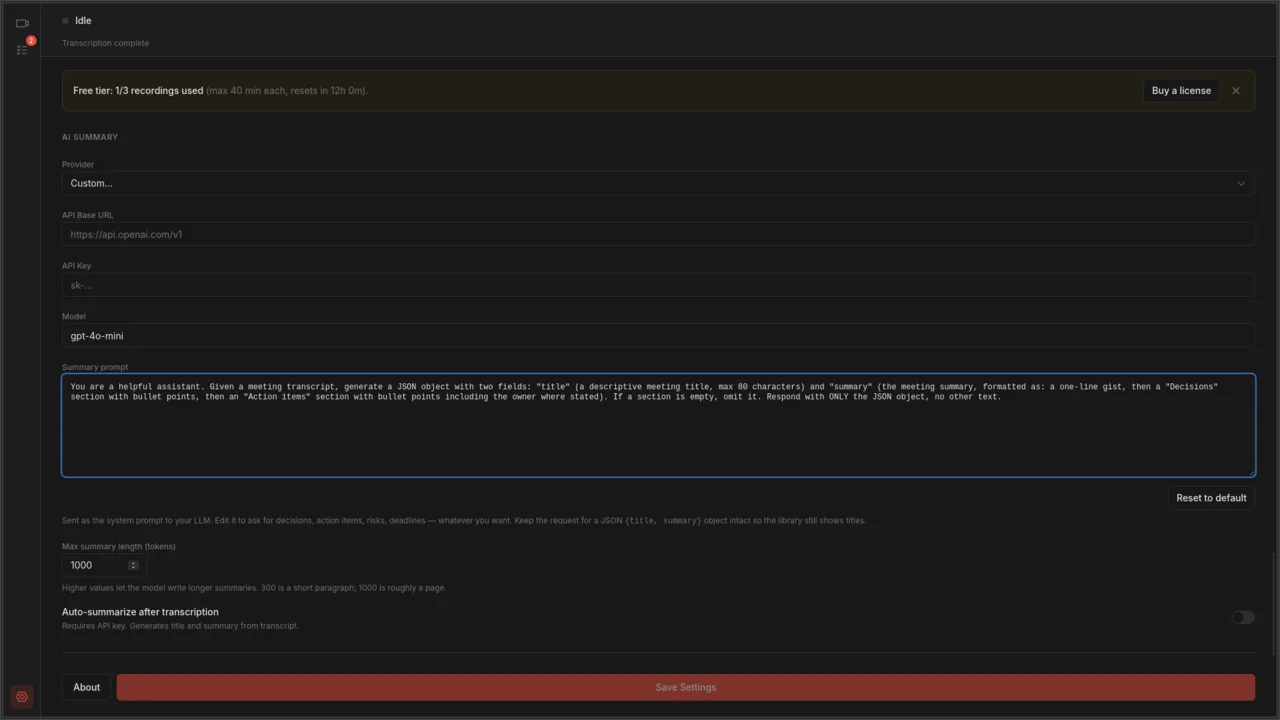
Connect any OpenAI-compatible AI service to auto-generate titles and summaries from your transcripts.
Built-In Video Library
Browse, search, and play recordings in-app. Card and table views with thumbnails, metadata, and instant playback.
Privacy-First Capture
Records the specific meeting window, not your whole screen. Recordings live on your disk as plain .mp4 files. No cloud account, no telemetry.
Trim & Compress
Cut dead air off the start and end of a recording. Compress files to save disk space without trashing the quality.
Available now
Download for Linux, Windows, or macOS.
Simple pricing
One payment per major version
Or use it free with a limit of 3 recordings per 24 hours, 40 minutes each. Pay once to remove the limits. All minor updates included.
See full pricing →Who makes Autorec
I'm Moritz Laass, a software developer, and Autorec is a one-person project. I write the code and I answer the support mail, so anything you send to hello@autorec.app reaches me.
Autorec is published by my company:
Top Focus LLC701 Tillery Street, Unit 12-1251
Austin, TX 78702, USA
Stay in the loop
A short email when there's a new release or something worth knowing about recording your meetings privately. A few a month at most. Unsubscribe whenever you like.