Recording UX research interviews without scaring participants
User interviews aren't ordinary meetings. The recording workflow shapes how candid people are. Here's a setup that respects both the participant and the evidence.
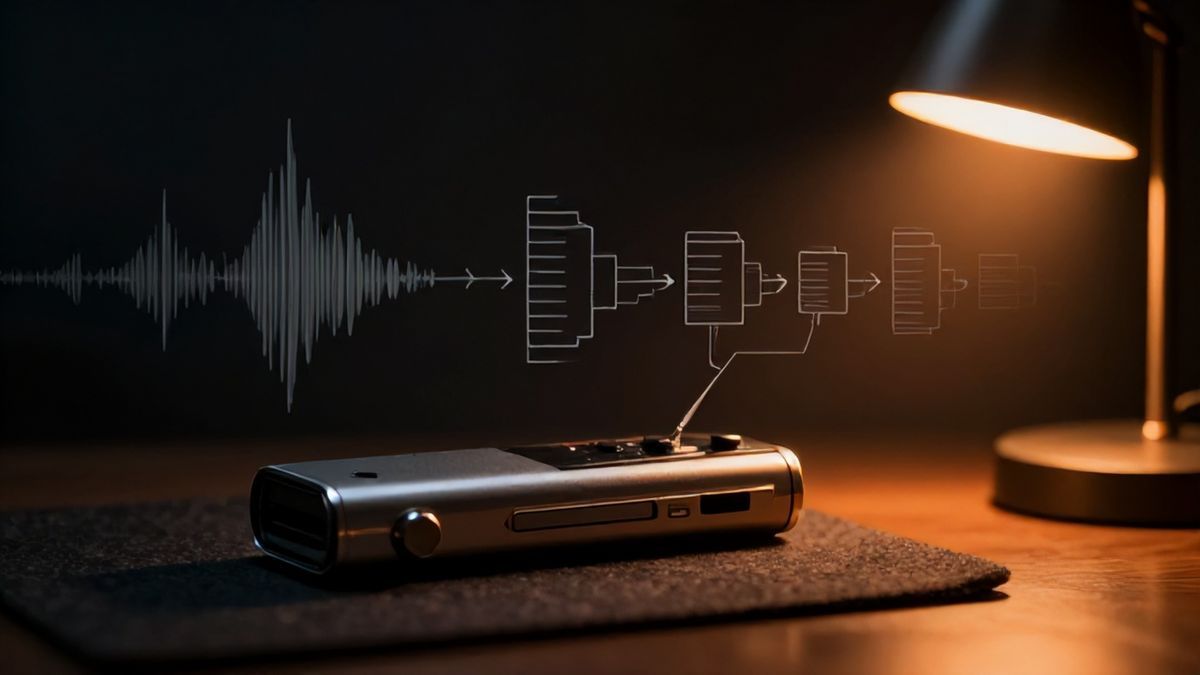
A research interview isn’t a normal meeting. The participant might be sharing pain, describing a workflow they’re embarrassed about, or trying to give you honest feedback while a stranger sits silently in the call. The recording workflow shapes how willing they are to actually open up.
A good UX research recorder should help you preserve evidence without scattering sensitive recordings across systems and without making participants feel like they’re being processed.
What research teams actually need from a recorder
Roughly:
- Reliable capture of user interviews, every time.
- A consent step that doesn’t feel like a legal form.
- Accurate transcripts you can analyse later.
- Timestamped quotes you can jump back to.
- Storage organised by study or participant.
- A way to share specific clips or excerpts, not the whole call.
The goal isn’t to spit out a summary. It’s to preserve evidence you can defend.
A workable interview workflow
A loop that holds up under a real research schedule:
- Confirm consent before recording.
- Record the meeting locally.
- Generate a transcript.
- Add participant ID and study metadata.
- Highlight the quotes and themes that matter.
- File the recording and transcript in the research repo.
- Share only approved excerpts with the rest of the team.
Raw evidence stays available. Nothing gets broadcast by default.
A folder structure that respects participants
/research/
  /study-name/
    /participant-03/
      recording.mp4
      transcript.txt
      notes.md
      highlights.md
Use participant IDs in filenames where you can, instead of real names. Future-you will appreciate it the first time someone asks for a “right to be forgotten” delete.
What to capture in your notes
| Section | What it’s for |
|---|---|
| Context | Who the participant represents |
| Observations | What happened in the session |
| Quotes | Verbatim evidence for synthesis |
| Pain points | Problems worth chasing |
| Follow-ups | Questions for later sessions |
| Consent status | Recording and sharing boundaries |
A transcript is raw material. The research value comes from the analysis on top of it.
Why no-bot recording matters specifically for interviews
Some participants react differently when an unfamiliar bot appears in the call. Sometimes they don’t notice. Sometimes the conversation gets a bit more guarded, in ways you only notice after the fact when the transcript reads cooler than the call felt.
A no-bot recorder dodges that by not adding an attendee. For sensitive topics, it lets the conversation feel like a conversation.
Autorec records from the desktop without joining the call as a separate participant, then runs Whisper locally for transcription.
There’s more on the features page, pricing, and the no-bot recorder post.
What you still have to be careful about
Research recording demands more discipline than other meetings:
- Consent has to be explicit and documented. Verbal “yeah it’s fine” is not enough.
- Local files need secure storage. Encrypt the disk.
- Participant identities might need anonymisation in transcripts.
- Some teams genuinely benefit from a shared research repository tool.
- AI-generated summaries can flatten nuance, or paraphrase a quote into something the participant didn’t say. Use them carefully.
Before your next study
Standardise the folder structure, the consent script, and the transcript review process before the first session, not after. A good UX research recording workflow makes analysis faster while protecting participant trust. Those are not in conflict, but they don’t happen by accident either.
Own your meeting recorder once
Local, private meeting recording for a one-time fee. No monthly bill, no assistant joining your calls.
See pricingRelated articles
More on local recording, transcription, and the automation around them.

Recording calls for several clients without mixing them up
Virtual assistants and fractional operators can't afford a transcript that ends up in the wrong workspace. Here's a multi-client recording setup that doesn't let it happen.
What SaaS meeting recorders actually cost at scale
One subscription looks cheap. Ten seats over two years is a different conversation. Some honest math on recurring meeting recorders versus a one-time desktop tool.
Getting meeting notes into Notion or Obsidian without copy-paste
Meetings should turn into notes you can find later, not files scattered across three apps. Here's a local-first capture path for Notion, Obsidian, and similar tools.