Recording meetings under GDPR and HIPAA without losing your mind
Compliance isn't a feature you can buy. It's a workflow. Here's what a GDPR-aware meeting recording setup looks like, and where HIPAA needs more than just a tool change.
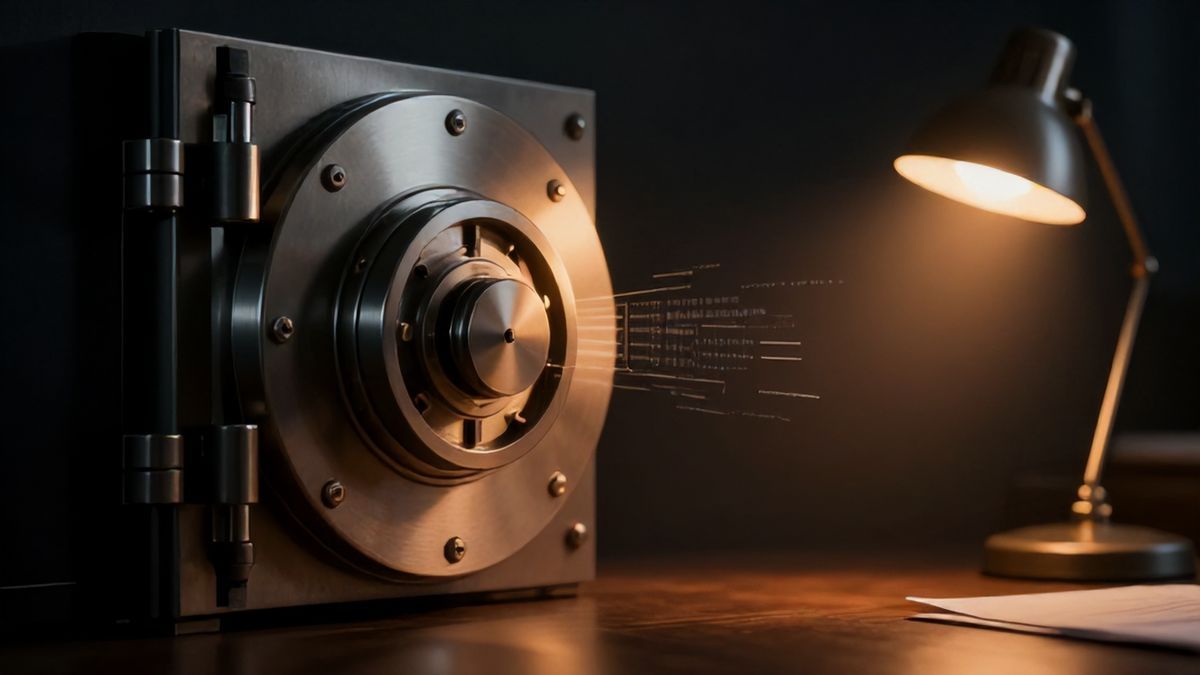
Anyone searching for “GDPR meeting recording” or “HIPAA-aware transcription” is usually after the same thing: useful notes without piling on data risk that nobody asked for.
A blog post can’t make a tool compliant. Compliance lives in your organisation’s policies, vendor contracts, retention rules, and legal basis for recording. But the recording workflow can either reduce risk or quietly compound it. So that part is worth getting right.
Start with the actual reality
Meeting recordings can contain personal data, business confidential information, health details, financial information, or HR context. Sometimes all five in one call.
So the workflow has to answer:
- Why are we recording this meeting?
- Who consented?
- Where will the file live?
- Who can read the transcript?
- How long do we keep it?
- Which vendors process the data along the way?
A privacy-first recorder is one piece of that. It’s not the whole answer.
A GDPR-aware checklist
For GDPR-sensitive workflows, the things worth nailing down:
- A clear recording notice and consent process.
- A documented legal basis for processing.
- Data minimisation by default.
- Local storage where it’s appropriate.
- Limits on who sees transcripts and summaries.
- Retention and deletion rules in writing.
- Vendor review before anything cloud-based gets involved.
- Access control on client and employee recordings.
Local-first capture helps because it cuts down on the third-party processing that happens automatically.
HIPAA is different, and stricter
HIPAA isn’t just GDPR with American spelling. If you’re handling protected health information, you may need business associate agreements, audit controls, access policies, and actual legal review. Your recording tool is one variable in a bigger system.
A local recording tool does not, by itself, make a healthcare workflow HIPAA compliant. Use local capture as a risk-reduction strategy, not as a substitute for proper compliance work.
A cautious workflow for sensitive meetings
Reasonable shape:
- Confirm whether recording is allowed at all.
- Announce the recording, and capture consent.
- Record locally, instead of inviting a cloud bot.
- Transcribe locally where you can.
- Store files in approved encrypted storage.
- Share only the minimum extract or summary that’s needed.
- Delete or archive according to a written policy, not vibes.
The point is to avoid making cloud-AI processing the default for every sensitive conversation.
What different choices buy you
| Workflow choice | What risk it reduces | What’s still on you |
|---|---|---|
| No in-call bot | Fewer third parties on the call | Consent still required |
| Local recording | Less default cloud exposure | Secure local storage |
| Local transcription | Less vendor processing | Device security |
| Optional AI summary | Control over what’s shared | Reviewing the text first |
Autorec leans into a local-first approach: record locally, transcribe locally, and only connect external AI when you’ve decided that’s appropriate.
The capabilities live on features, the setup notes are in the getting started docs, and the privacy framing is in the no-bot recorder post.
Things you should not do
These are the patterns that tend to blow up:
- Recording sensitive meetings without notice.
- Auto-piping every transcript into a generic AI tool.
- Keeping recordings forever by default.
- Mixing client folders without access controls.
- Treating a tool feature as a substitute for legal review.
Tradeoffs to be honest about
Local-first compliance workflows demand more operational maturity:
- Teams need actual policies for storage and deletion.
- Local machines have to be secured, encrypted, and managed.
- Big cloud platforms ship enterprise controls that local workflows don’t.
- Regulated organisations should involve legal and security from the start.
Where to start
Map the data flow of your meetings before you choose a recorder. If today every audio stream defaults into third-party systems, switching to a local-first recorder is a meaningful improvement, not a panacea.
For regulated contexts, treat any of this as a starting point and get the appropriate legal and compliance review.
Own your meeting recorder once
Local, private meeting recording for a one-time fee. No monthly bill, no assistant joining your calls.
See pricingRelated articles
More on local recording, transcription, and the automation around them.

Autorec 0.12: record calls in any app
Proton Meet, Jitsi, Signal and Element are detected out of the box. For everything else, a new Add-an-app picker lets you point Autorec at Telegram, Discord or whatever you take calls in.
How to record meetings locally: the complete guide
What local meeting recording is, how it works, how it compares to cloud tools like Otter and Fireflies, and how to record and transcribe Zoom, Teams, and Google Meet calls entirely on your own computer.

How to record a client meeting without losing their trust
Confidential client work needs more than 'press record'. A practical, low-drama guide to capturing useful notes without spooking the client or scattering files.